

01
Save your open tabs.
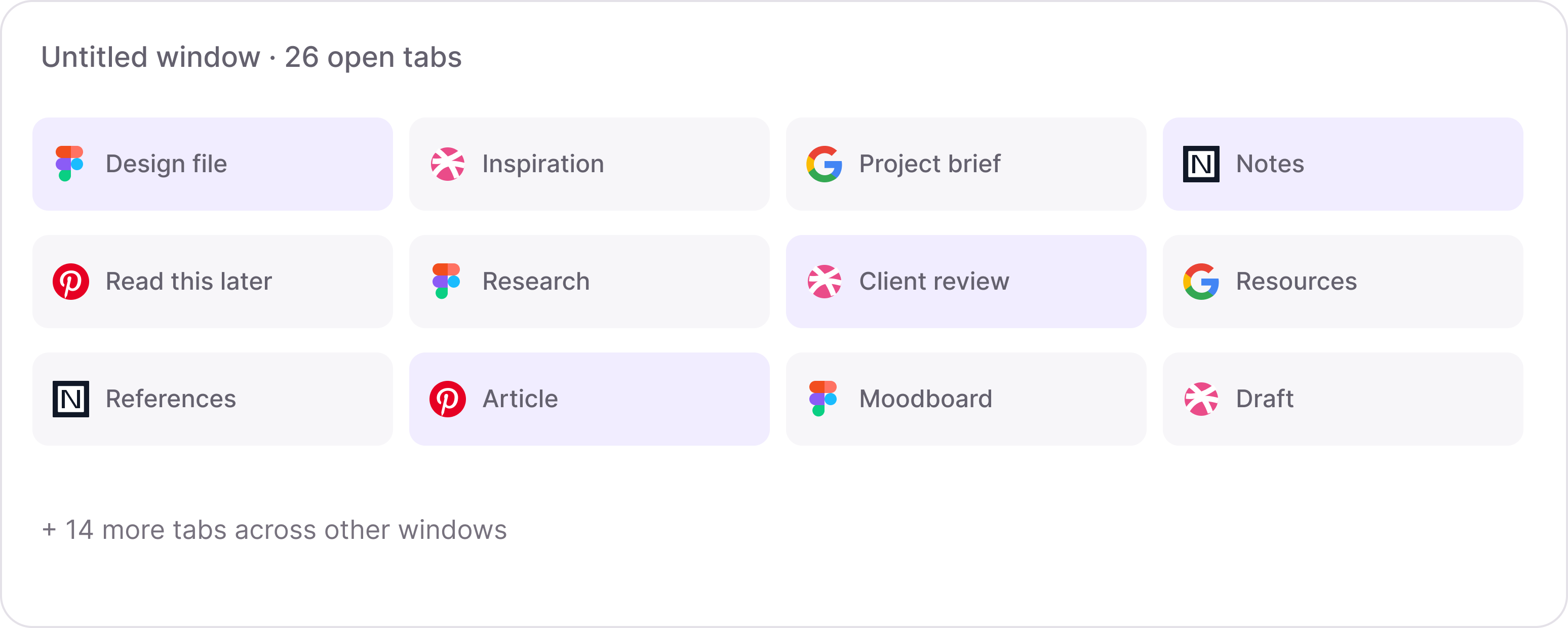
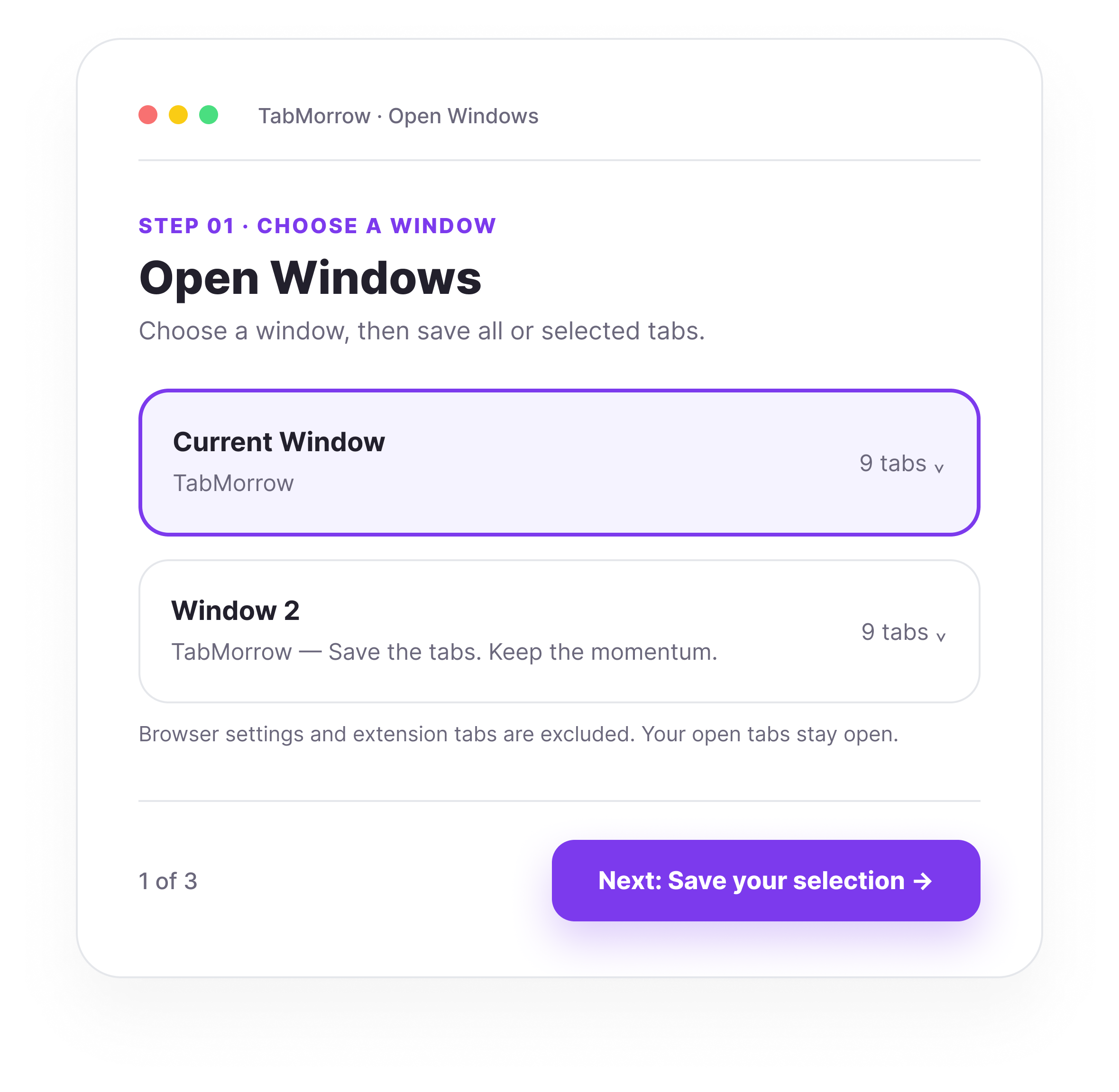
Capture the tabs in your current browser window.
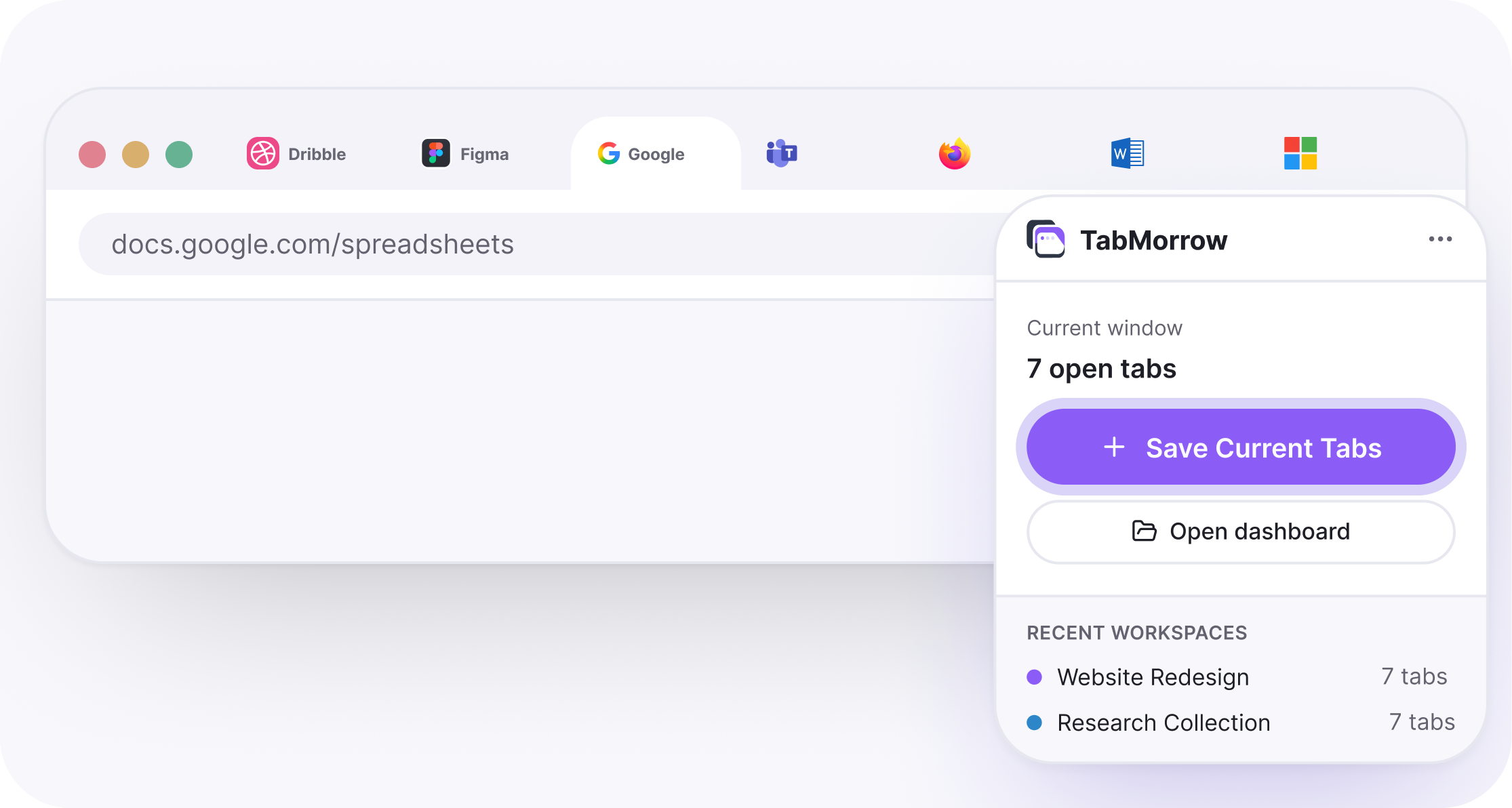
Turn open browser tabs into organized workspaces. Keep useful notes and links together, then reopen everything—or just the tabs you need—when you come back.

A simple way to save what matters, organize your work, and come back to it later.
Capture the tabs in your current browser window.
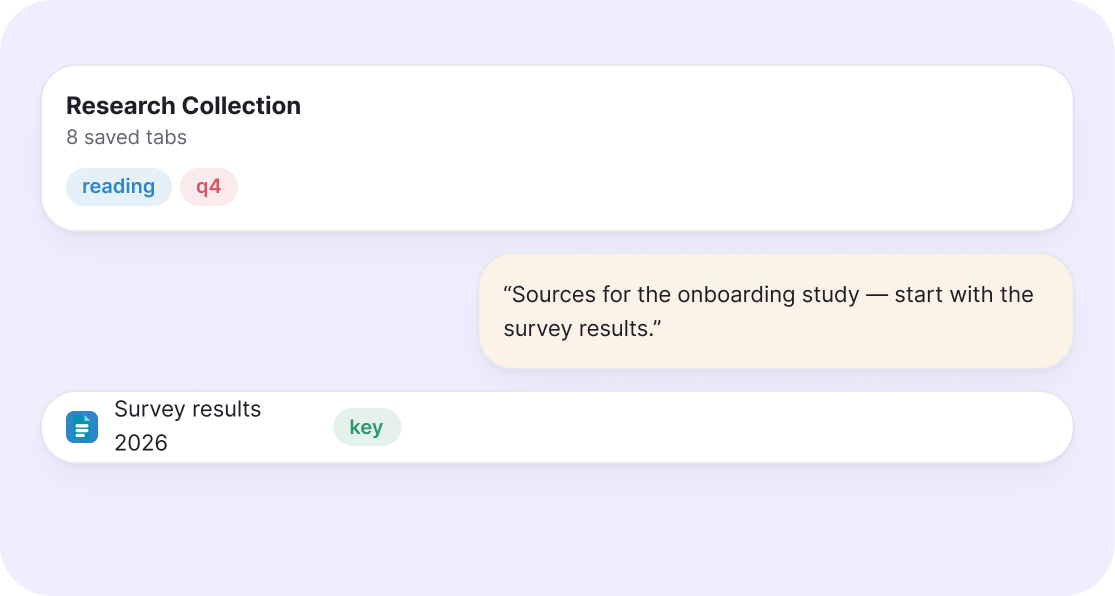
Add workspace or tab notes, tags, or a reminder when you need them.
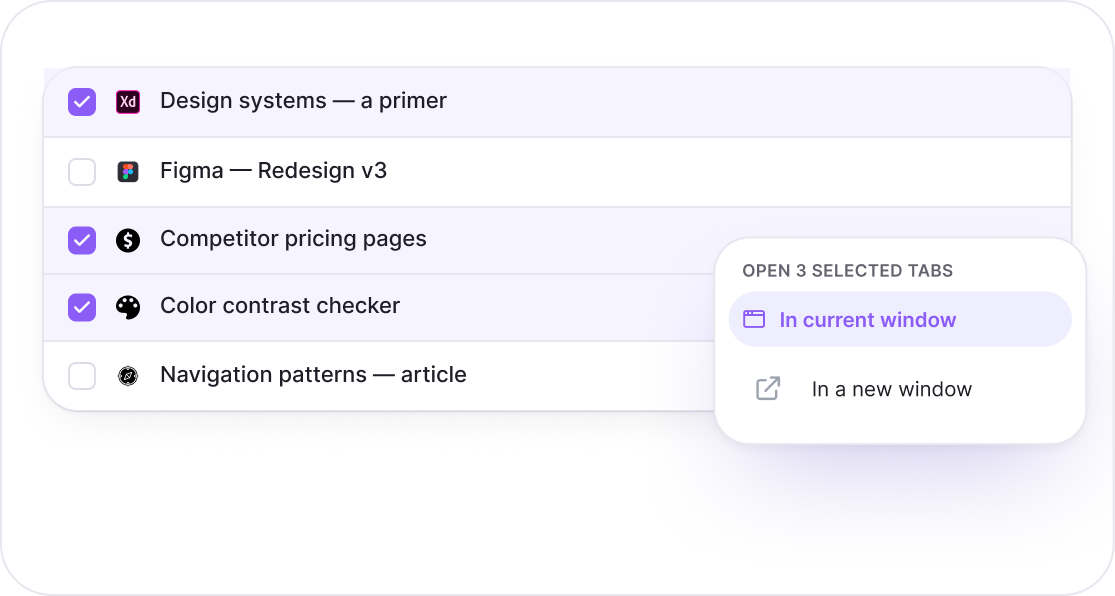
Open every saved tab or select only what you need, in your current window or a new one.
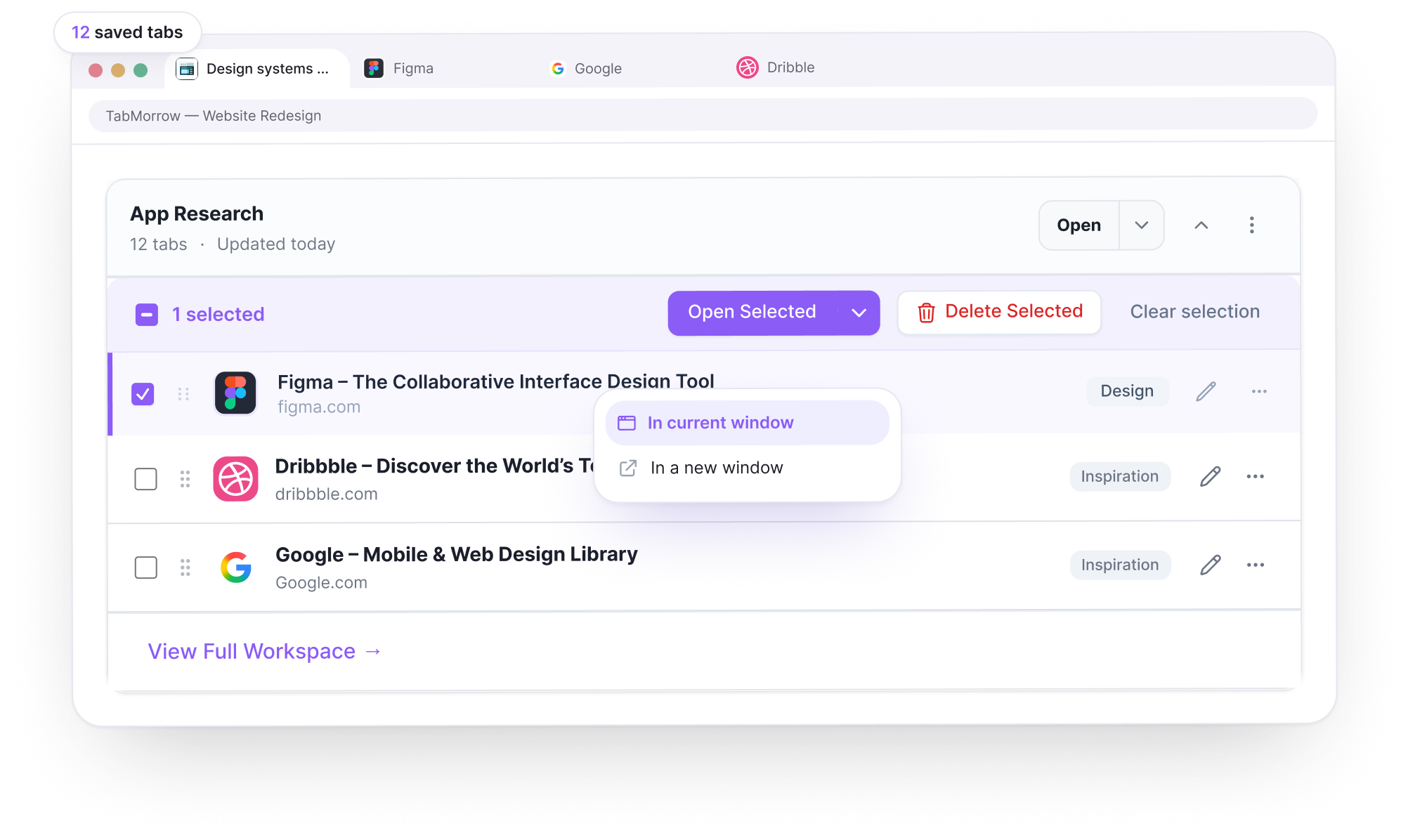
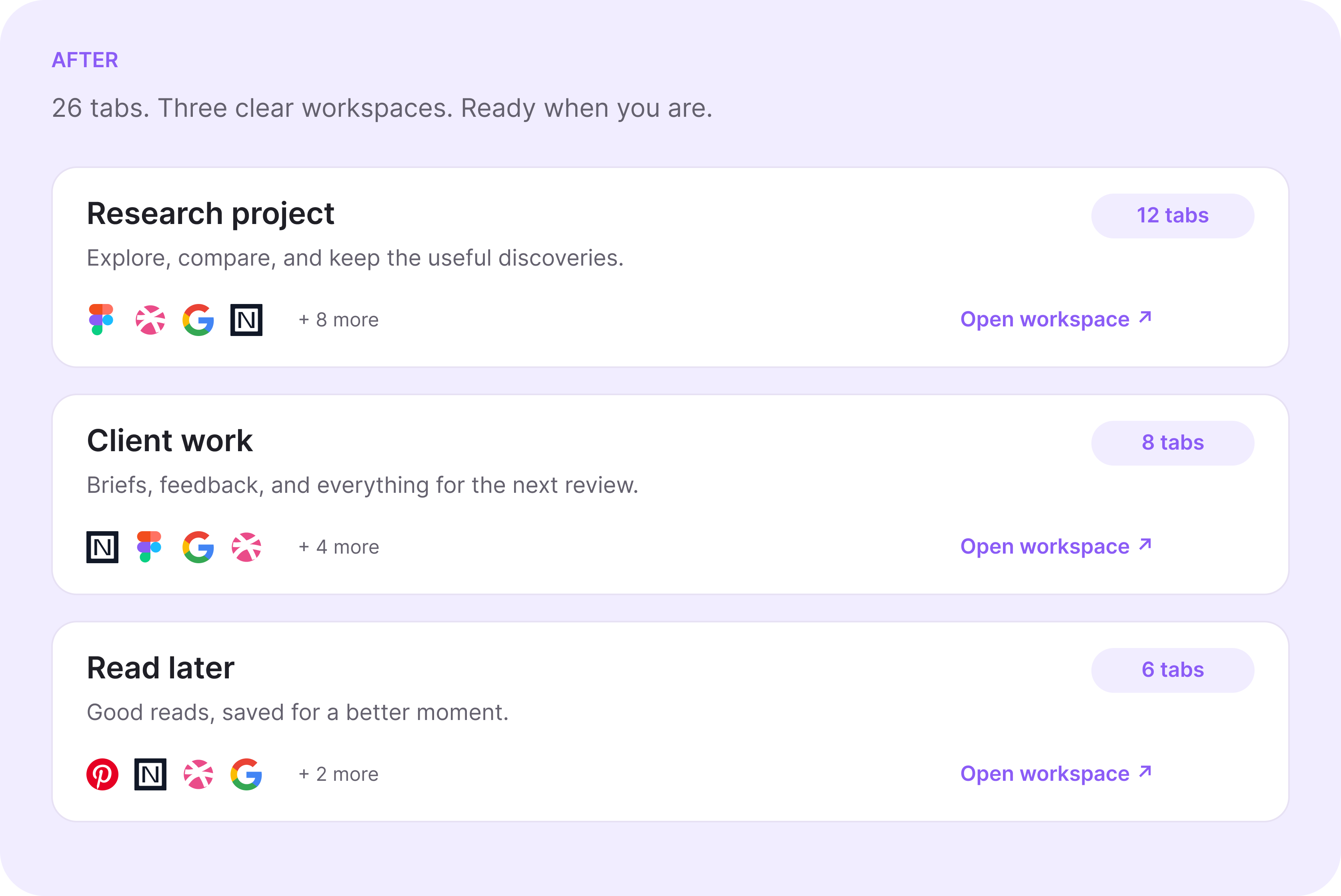
Keep related pages together instead of leaving everything open. Find the project you need, without hunting through a crowded browser.
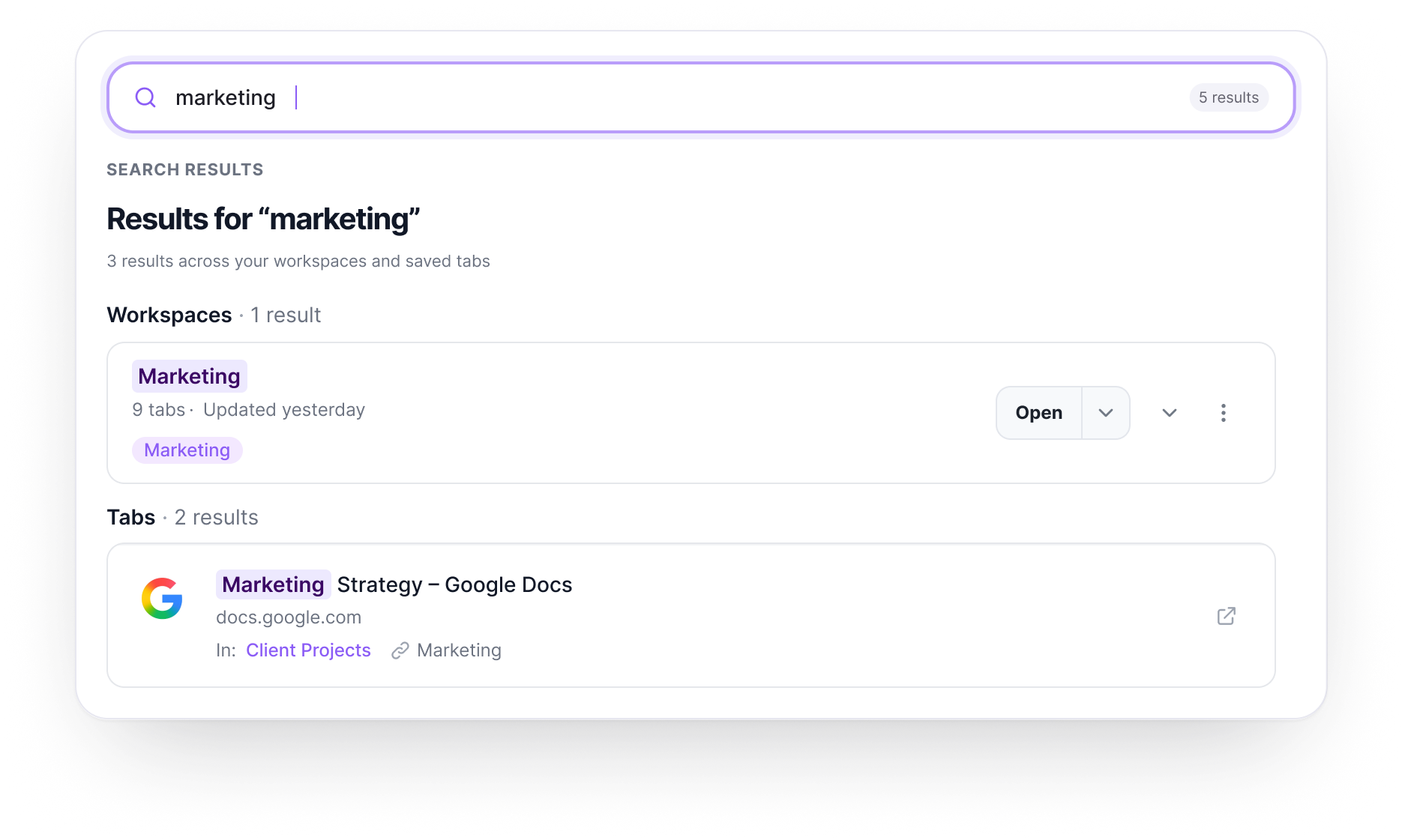
Search workspace names, saved tab titles, URLs, notes, and tags.
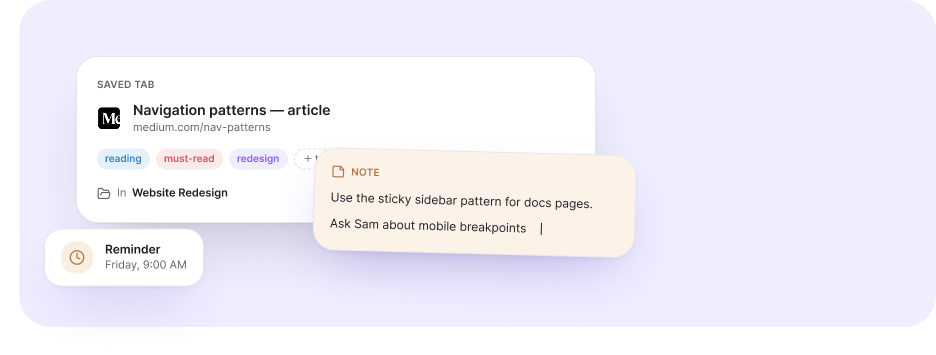
Work makes more sense with a little context. Save notes, use meaningful labels, and keep your next steps visible.
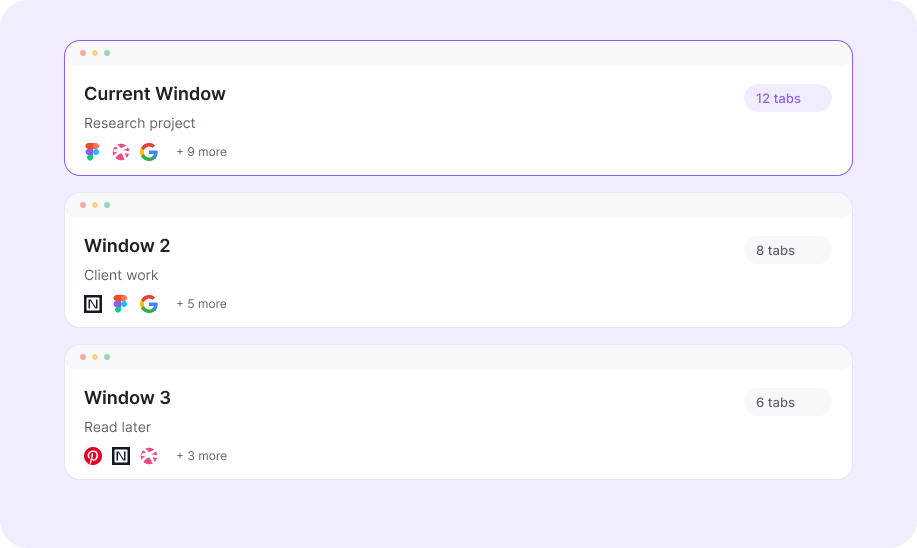
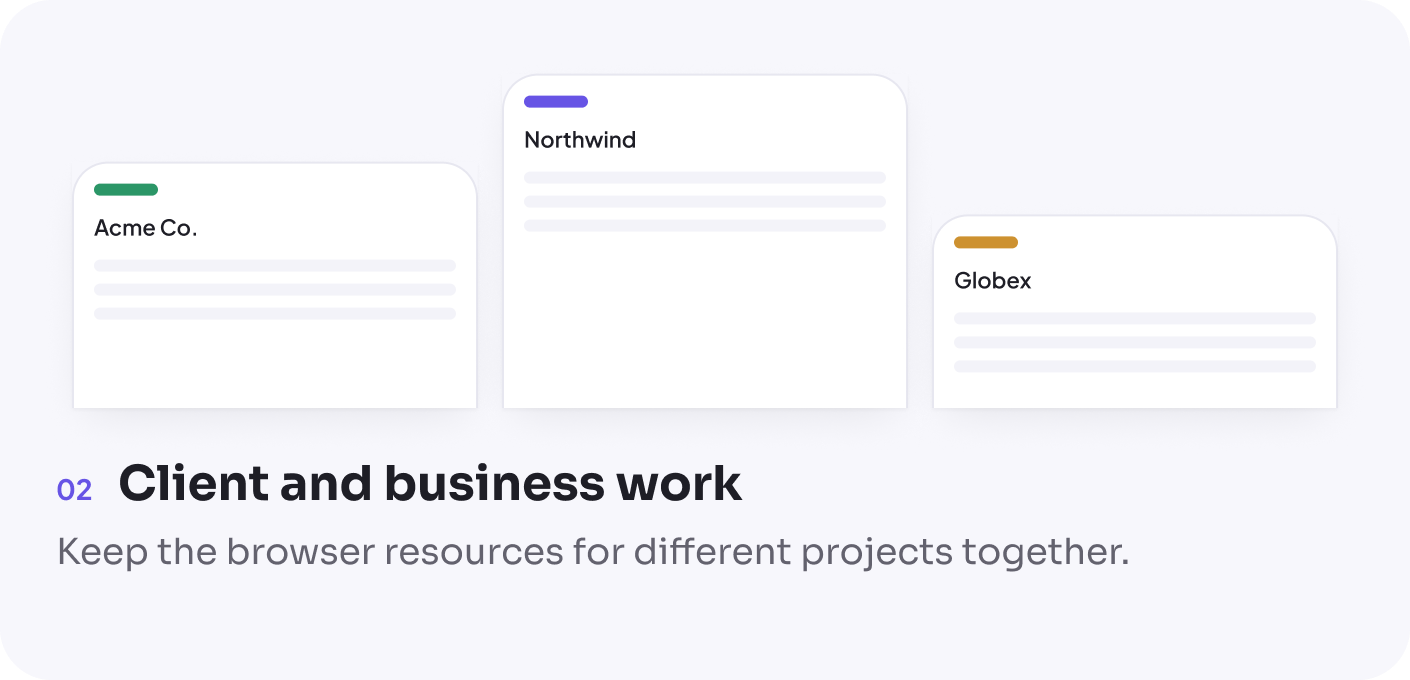
Keep research, client work, and everyday browsing separate. Choose the window that matters, then save its tabs together in one organized workspace.
Give your browser a little breathing room without losing your place.
A crowded browser. A little too much to keep in mind.
Save the tabs. Keep the project together.
Try this three-step illustration of the save-and-resume journey. This is a concept demo, not a live extension.
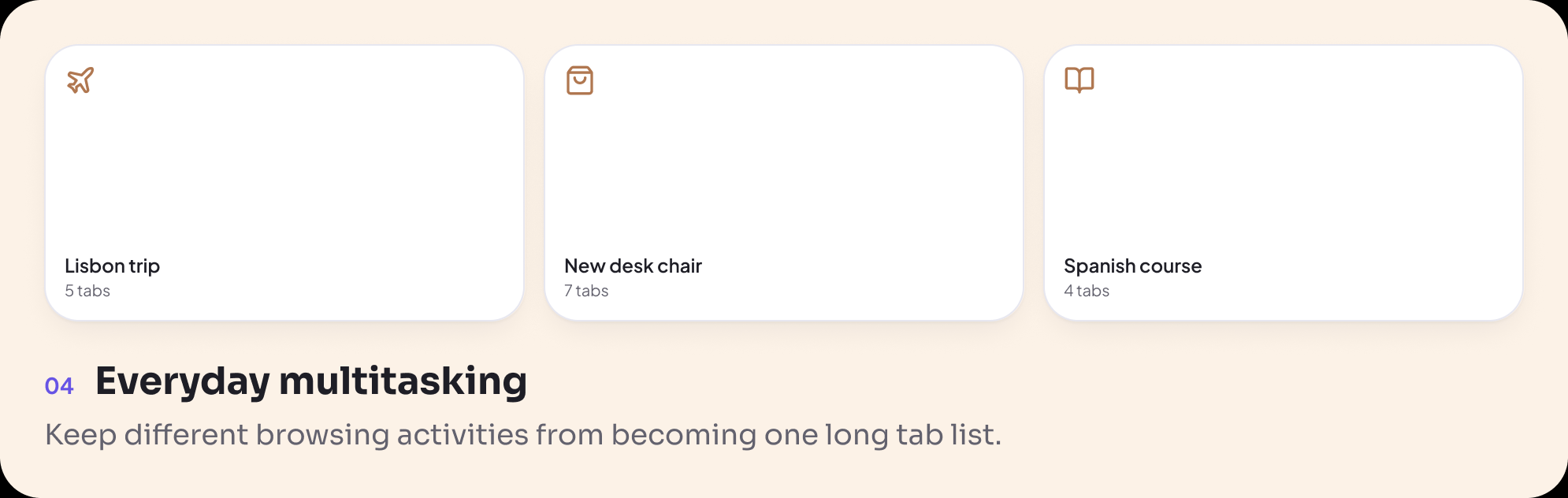
Whether you're researching, building, studying, or managing everyday tasks, keep related browser pages together.

Organize useful documentation and project links.
Clear answers help you know what to expect before adding a browser extension.
Yes. You can start saving and organizing your tabs for free.
TabMorrow is designed for Chrome and other Chromium based browsers.
You can get started without creating an account.
Saving a workspace keeps a snapshot of your tabs so you can return to them later.
Yes. Open an individual tab or revisit a whole workspace whenever you need it.
Yes. Search brings together your saved pages, notes, tags, and workspaces.
Your saved workspaces and notes stay with your browser.
Browser data may be removed when you clear it or uninstall an extension. Export anything important before doing so.
TabMorrow saves the page links and the context you add. Dynamic page state may not be restored.
Yes. Add a reminder to come back to a saved page at the right time.

Turn the pages you need into workspaces you can return to, without keeping everything open all day.